






Rowjar vs PocketSmith

The PocketSmith alternative that lives in a Google Sheet you own

PocketSmith is great for forecasting, but your data stays locked in its app and automatic bank feeds sit behind paid tiers. Rowjar syncs transactions straight into a live Google Sheet you own, with AI categorization and auto-sync from the start.

Explore Rowjar for Google Sheets

Last updated June 2026 · prices and bank coverage reviewed regularly

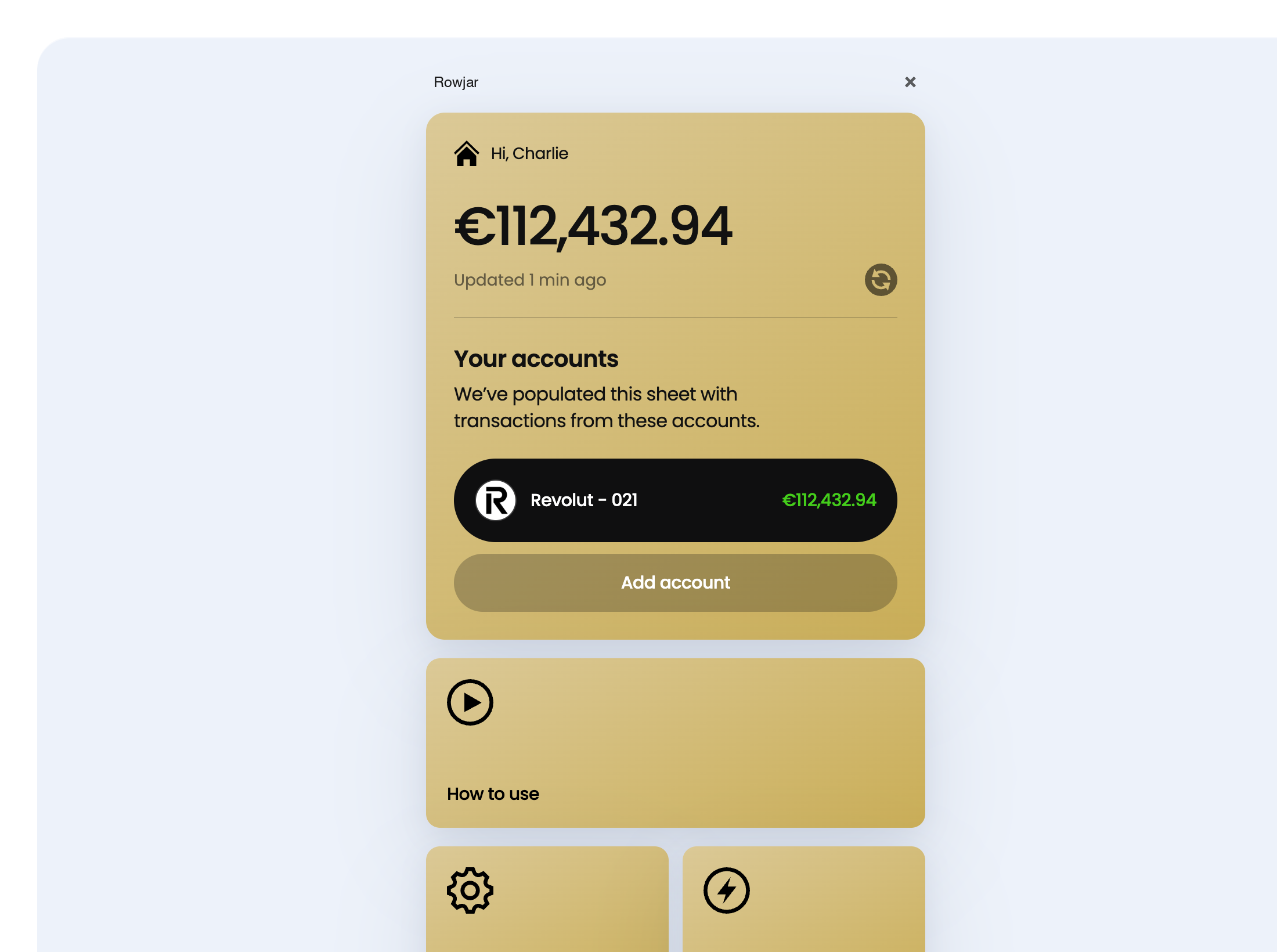
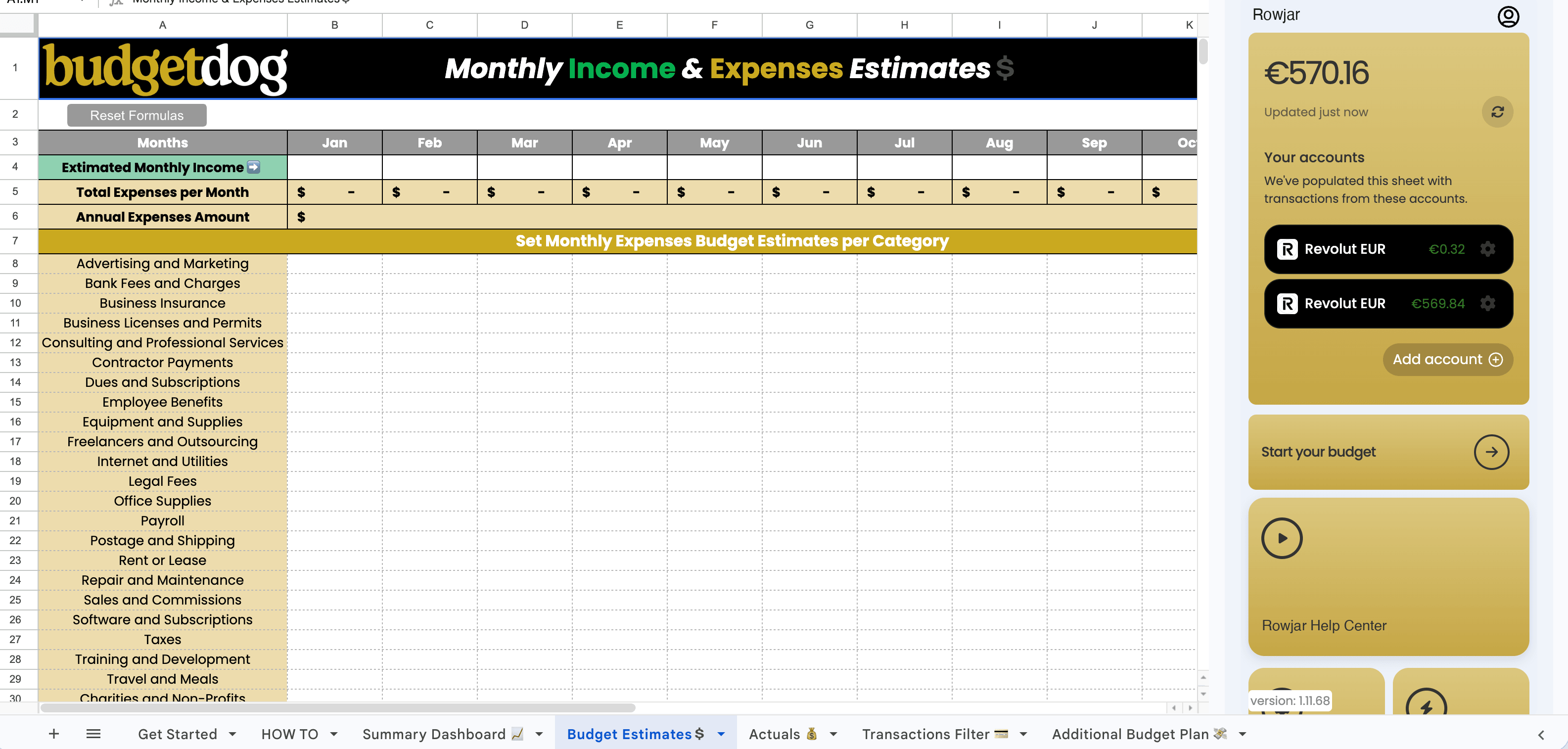
Rowjar running inside Google Sheets with a live financial dashboard

Connects to major US, UK & European banks

  • HSBCHSBC
  • BarclaysBarclays
  • LloydsLloyds
  • NatWestNatWest
  • SantanderSantander
  • RevolutRevolut
  • AIBAIB
  • NationwideNationwide
Comparison

Everything PocketSmith does, and a lot more.

The same spreadsheet workflow — with smarter automation and wider bank coverage. See how Rowjar compares, feature by feature.

Rowjar
PocketSmith
Data lives in a live Google Sheet you own
AI transaction categorization
Rule-based
Automatic bank sync on every plan
Paid plans only
Native Google Sheets formulas & dashboards
In-app only
Free to start
Check current trial terms
Daily automatic bank sync
Explore Rowjar plans

Google Sheets is a separate product. Check current plan and data-storage terms.

Rowjar vs PocketSmith

How Rowjar compares to PocketSmith

Why the spreadsheet crowd picks Rowjar

PocketSmith is spreadsheet-friendly; Rowjar is spreadsheet-native. Your transactions live in a real Google Sheet you own, not a static export.

  • Data lives in a live Google Sheet you own
  • AI categorization, not just keyword rules
  • Automatic bank sync on every plan
  • Native Google Sheets formulas & dashboards
How Rowjar helps

Connect your banks and Rowjar keeps your sheet current and categorized, ready for any formula-driven workflow.

  • Daily automatic bank sync
  • Two years of history on import
  • Custom rules & dashboards
  • Separate Sheets plan; check current pricing
Features

3 reasons Rowjar is better thanPocketSmith

• AI Categorization

Smart Sorting. While You Sleep.

Rowjar's AI automatically organizes and categorizes your transaction data based on your rules, keeping your budget updated without you lifting a finger.

  • Automated transaction tagging
  • Hands-free spending insights
Rowjar AI categorization view in Google Sheets

• Auto Update

Zero Manual Work.

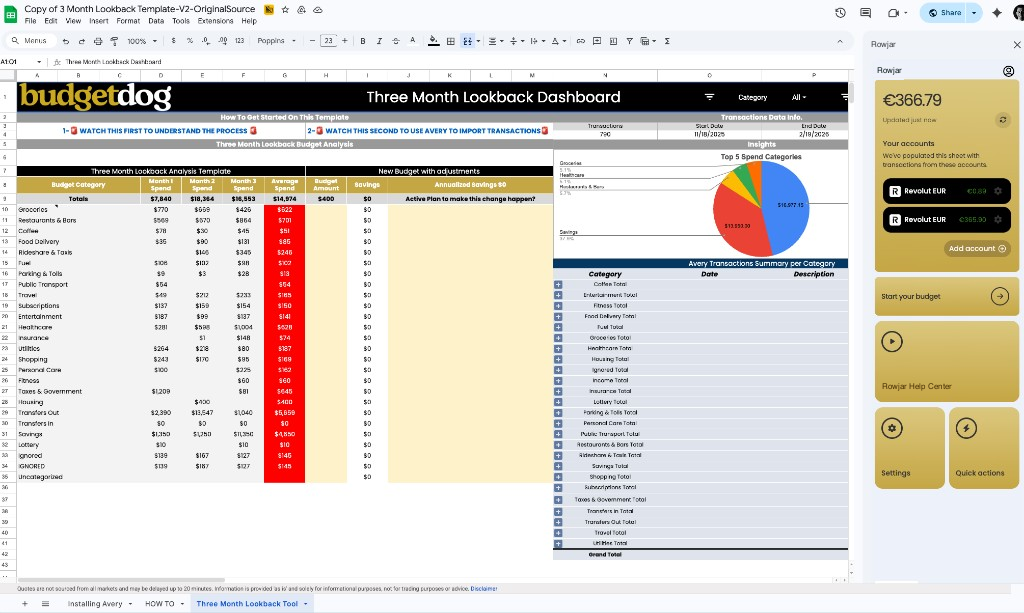
Import every transaction across all your accounts with just two clicks, giving you an instant, accurate view of your finances going back two years.

  • Two-year historical retrieval
  • Multi-account transaction mapping
Rowjar dashboard view with financial charts

• Custom Rules

Set Your Rules. We'll Do The Rest.

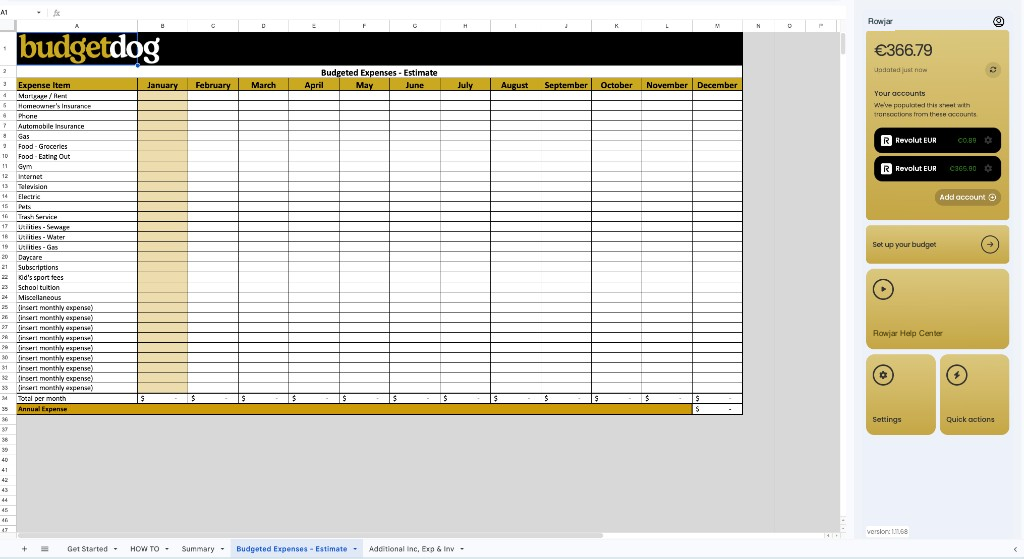
Rowjar automatically categorizes your data and syncs your accounts daily while you sleep, so you stay updated without lifting a finger.

  • Custom categorization rules
  • Daily automated syncing
Rowjar custom rules and transactions screen
FAQ

Frequently Asked Questions

Does PocketSmith sync my bank data into a Google Sheet?
No. PocketSmith stores your data inside its own app. You can export transactions to CSV/XLSX, but it’s a one-time download, not a live Google Sheet. Rowjar syncs transactions directly into a Google Sheet you own, with live formulas and dashboards.
Can I get automatic bank feeds on PocketSmith’s free plan?
No. PocketSmith’s free plan is manual import only. Automatic bank feeds start on its paid Foundation plan and are capped at six banks from one country. Rowjar includes automatic daily bank sync from the start.
Does PocketSmith use AI to categorize transactions?
No. PocketSmith uses rule-based categorization — keyword and merchant rules. Rowjar uses AI categorization that learns from your transactions and rules.
Which countries does each support?
PocketSmith has very broad coverage including Australia, New Zealand, and Canada. Rowjar covers the US, UK, Ireland, Germany, France, and Spain. If you bank in AU, NZ, or Canada, PocketSmith fits today; if you want a live, AI-categorized Google Sheet in a supported region, Rowjar does.