






Rowjar vs Tiller

The Tiller alternative with AI categorization and US, UK & European bank sync

A simpler, spreadsheet-first alternative to Tiller for people who want bank sync, categorization, and Google Sheets control. Rowjar brings your bank transactions into Google Sheets automatically — like Tiller, but with AI categorization instead of manual rules and open-banking connections across the US, UK, and Europe.

Trusted by 1,836+

Last updated June 2026 · prices and bank coverage reviewed regularly

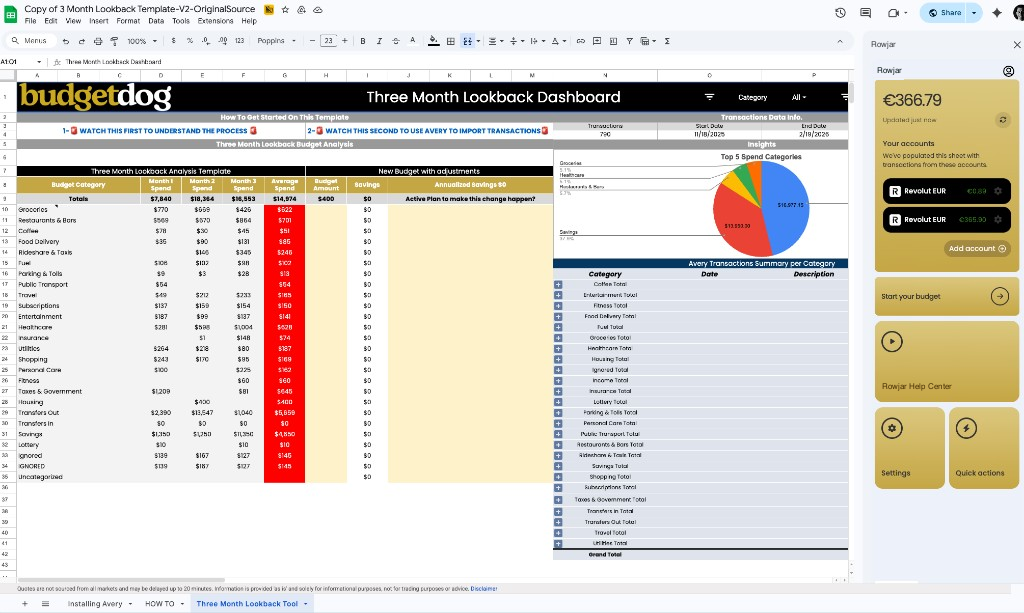
Rowjar running inside Google Sheets with a live financial dashboard

Connects to major US, UK & European banks

  • HSBCHSBC
  • BarclaysBarclays
  • LloydsLloyds
  • NatWestNatWest
  • SantanderSantander
  • RevolutRevolut
  • AIBAIB
  • NationwideNationwide
Comparison

Everything Tiller does, and a lot more.

The same spreadsheet workflow — with smarter automation and wider bank coverage. See how Rowjar compares, feature by feature.

Rowjar
Tiller
Syncs bank transactions into Google Sheets
AI automatic transaction categorization
Rules only
Connects to UK & European banks
Connects to US & Canadian banks
US only
Your data stays in your own spreadsheet
Fully customizable categories, formulas & dashboards
Explore Rowjar plans

Google Sheets is a separate product. Check current plan and data-storage terms.

Rowjar vs Tiller

How Rowjar compares to Tiller

Both put your bank data in Google Sheets

Tiller and Rowjar share the same core idea: automatic bank transactions flowing into a Google Sheet you own, instead of a closed app. If you already love the spreadsheet workflow, both will feel familiar — the real differences are categorization, bank coverage, and pricing.

  • Transactions sync straight into Google Sheets
  • Your data stays in your own Google Drive
  • Full spreadsheet formulas, charts & dashboards
  • No closed app to log into

AI categorization vs manual rules

This is the biggest day-to-day difference. Tiller categorizes with AutoCat — keyword and merchant rules you set up and maintain by hand. Rowjar uses AI that categorizes transactions automatically and learns from your corrections, so you spend far less time writing and fixing rules.

  • Tiller: manual AutoCat keyword/merchant rules
  • Rowjar: AI categorization that learns from you
  • Less time maintaining rule lists
  • Still fully editable inside your sheet

US, UK & European bank sync

Tiller connects US and Canadian banks only. Rowjar connects banks across the US, the UK, Ireland, Germany, France, and Spain through secure open banking — so it works for people Tiller can’t serve today.

  • Tiller: US & Canada only
  • Rowjar: US, UK, Ireland, Germany, France & Spain
  • Open banking connections
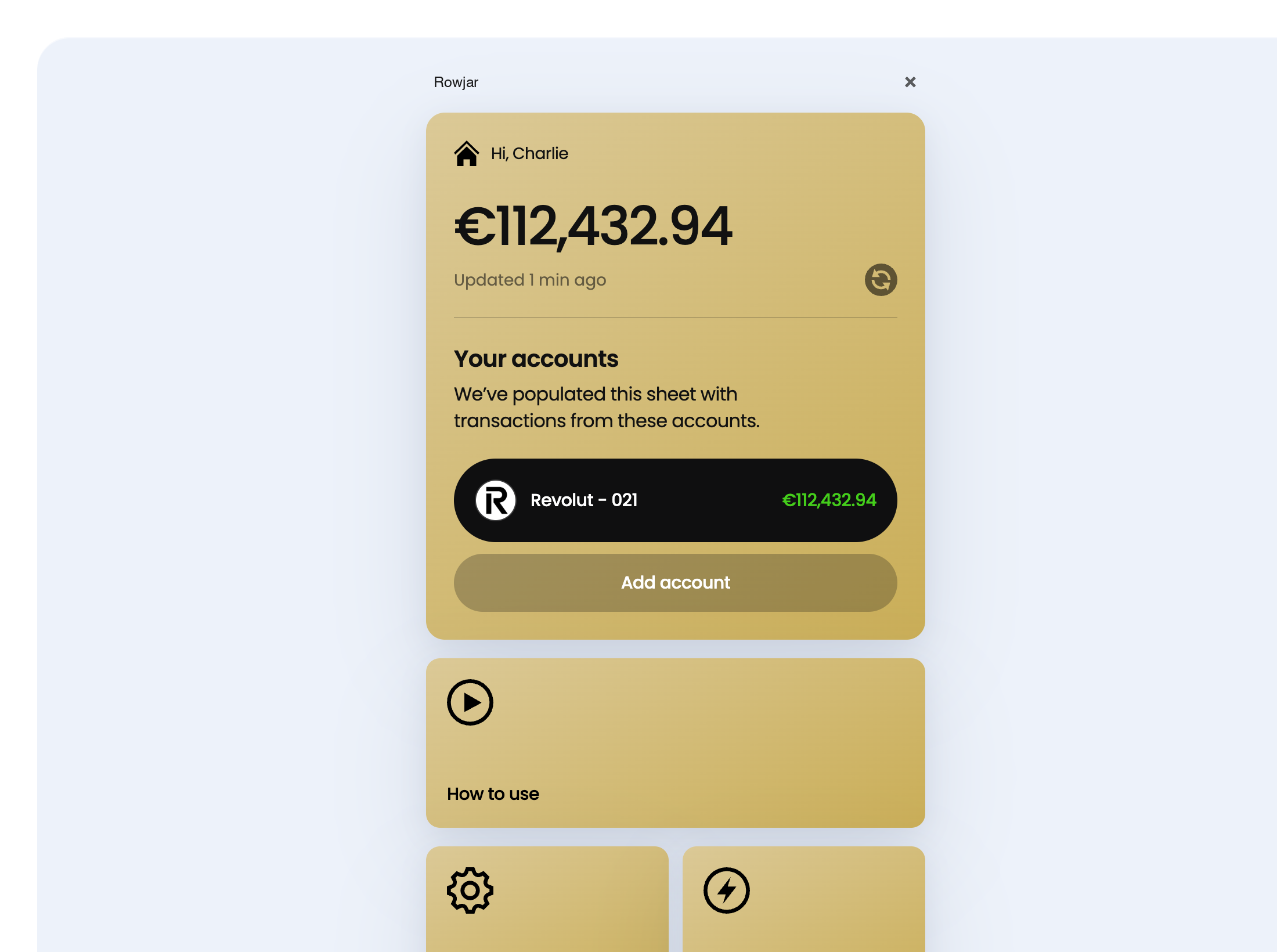
  • Connect Revolut, Monzo, N26 and more

Pricing

Tiller is subscription-only at $79/year after a 30-day trial, with no permanent free tier. Rowjar for Google Sheets has its own subscription. Check its current price and trial terms before signing up.

  • Tiller: 30-day trial, then $79/year (annual only)
  • Rowjar for Google Sheets: see current pricing
  • Review trial terms before signing up
  • Same Google-Sheets-first model

Template flexibility

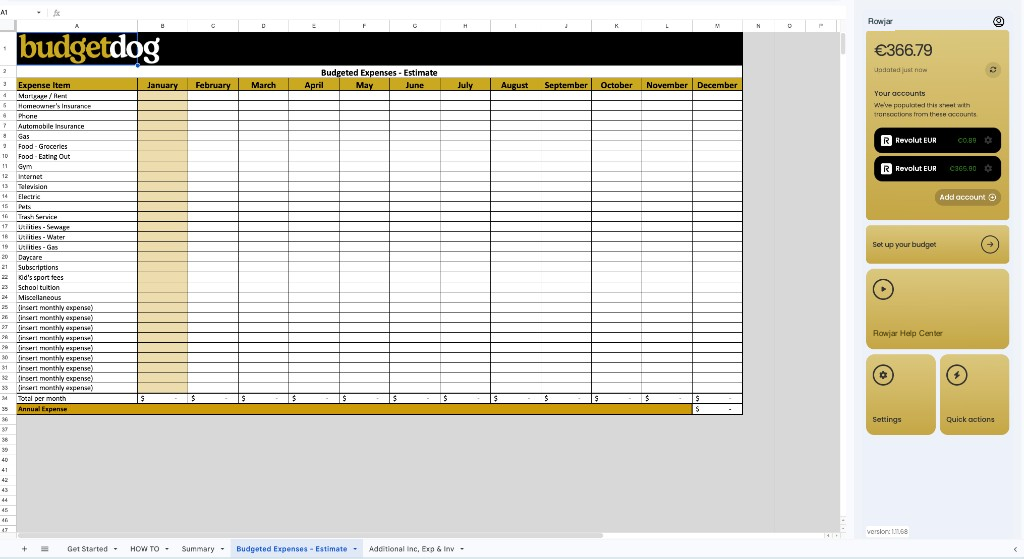
Tiller’s strength is its large library of community templates and its Foundation Template. Rowjar ships ready-made budgeting templates, and because everything is a normal Google Sheet, you can build or paste in any layout, tracker, or dashboard you like.

  • Rowjar: ready-made budgeting templates included
  • Build any custom layout in standard Google Sheets
  • Tiller: large community template gallery
  • Both let you fully customize your sheet

Who should pick Tiller vs Rowjar

Honest take: if you bank in the US or Canada, enjoy fine-tuning your own categorization rules, and want Tiller’s mature template gallery, Tiller is a great choice. If you want AI categorization that just works, UK or European bank support, and a spreadsheet workflow, Rowjar is the better fit.

  • Pick Tiller: US/Canada, love manual rules & its templates
  • Pick Rowjar: want AI categorization and less upkeep
  • Pick Rowjar: you bank in the UK or Europe
  • Pick Rowjar: you prefer working in Sheets
Features

3 reasons Rowjar is better thanTiller

• AI Categorization

Smart Sorting. While You Sleep.

Rowjar's AI automatically organizes and categorizes your transaction data based on your rules, keeping your budget updated without you lifting a finger.

  • Automated transaction tagging
  • Hands-free spending insights
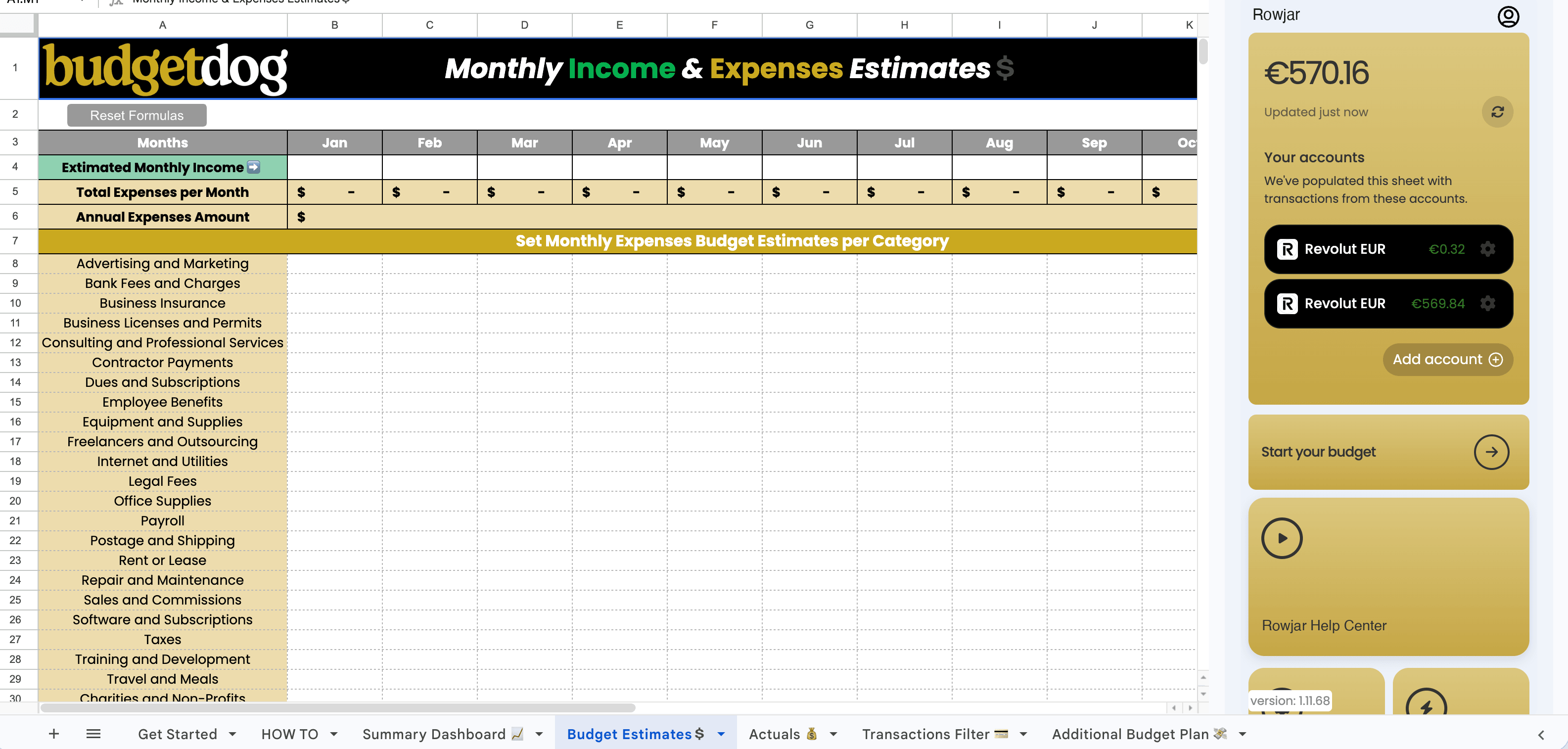
Rowjar AI categorization view in Google Sheets

• Auto Update

Zero Manual Work.

Import every transaction across all your accounts with just two clicks, giving you an instant, accurate view of your finances going back two years.

  • Two-year historical retrieval
  • Multi-account transaction mapping
Rowjar dashboard view with financial charts

• Custom Rules

Set Your Rules. We'll Do The Rest.

Rowjar automatically categorizes your data and syncs your accounts daily while you sleep, so you stay updated without lifting a finger.

  • Custom categorization rules
  • Daily automated syncing
Rowjar custom rules and transactions screen
FAQ

Frequently Asked Questions

Is Rowjar a good Tiller alternative?
Yes. Like Tiller, Rowjar automatically syncs your bank transactions into Google Sheets that you own. Rowjar adds AI-powered categorization and connects to banks across the US, UK, and Europe.
How is Rowjar different from Tiller?
Tiller categorizes transactions with manual rules (AutoCat) and supports US banks only. Rowjar categorizes automatically with AI and connects to banks across North America and Europe through open banking.
Does Rowjar work outside the US like Tiller?
Rowjar connects to banks across the US, UK, Ireland, Germany, France, and Spain. Tiller currently supports US banks only, so Rowjar is a strong option if you bank outside the US.
Do I keep ownership of my data with Rowjar?
Yes. Just like Tiller, your transactions live in your own Google Sheet that you control. Rowjar never locks your financial data inside a closed app.