






Rowjar vs YNAB

The YNAB alternative that automates the manual budgeting work

A simpler, spreadsheet-first alternative to YNAB for people who want bank sync, categorization, and Google Sheets control. YNAB’s zero-based method is powerful but hands-on — you approve and assign every transaction yourself. Rowjar syncs your banks automatically and categorizes with AI inside a Google Sheet, where you can still build zero-based envelopes or any system you like.

Explore Rowjar for Google Sheets

Last updated June 2026 · prices and bank coverage reviewed regularly

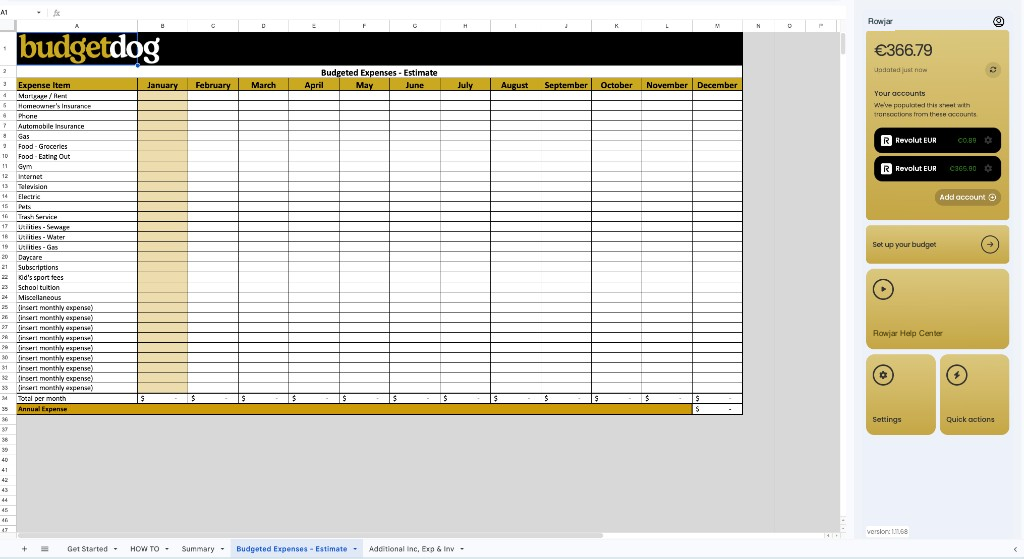
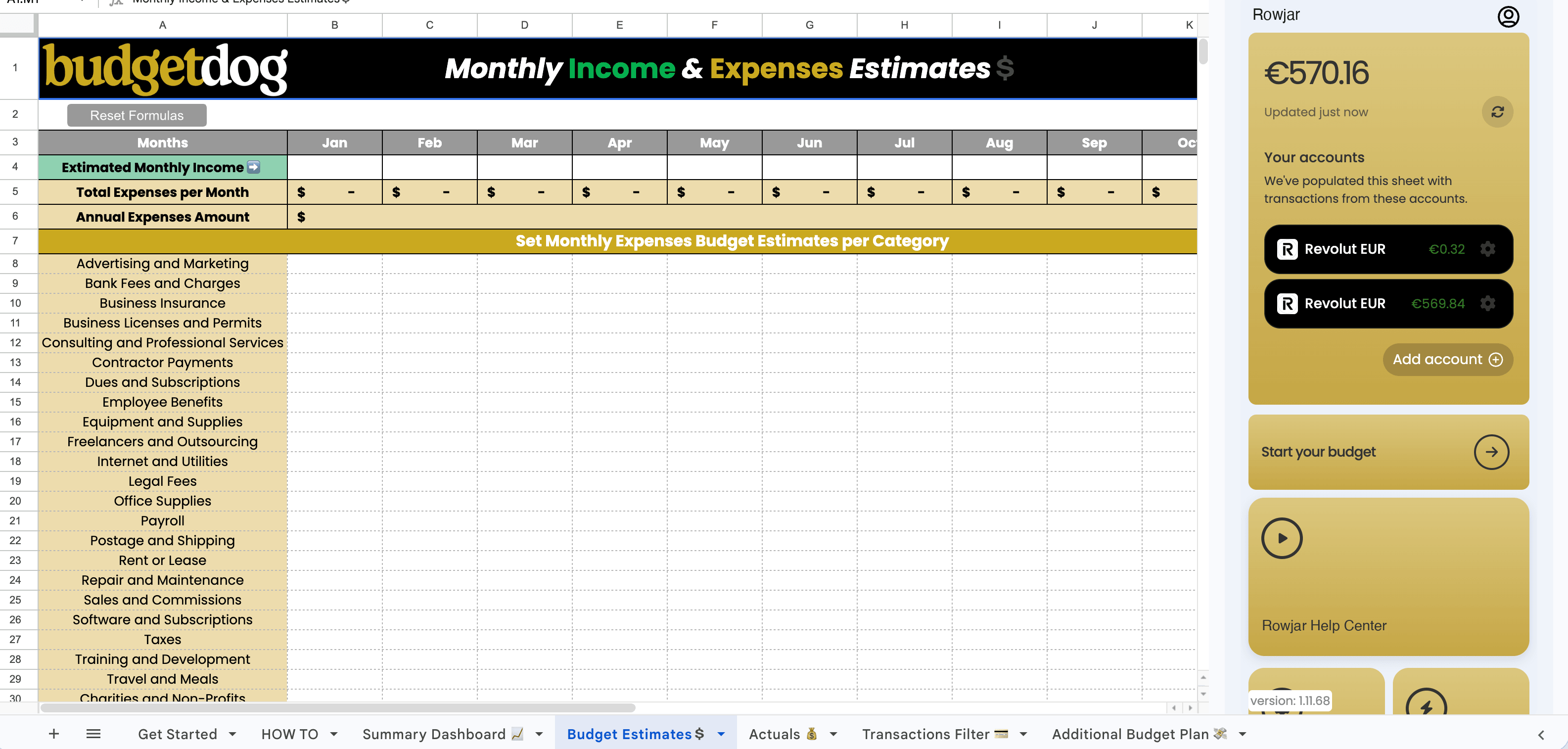
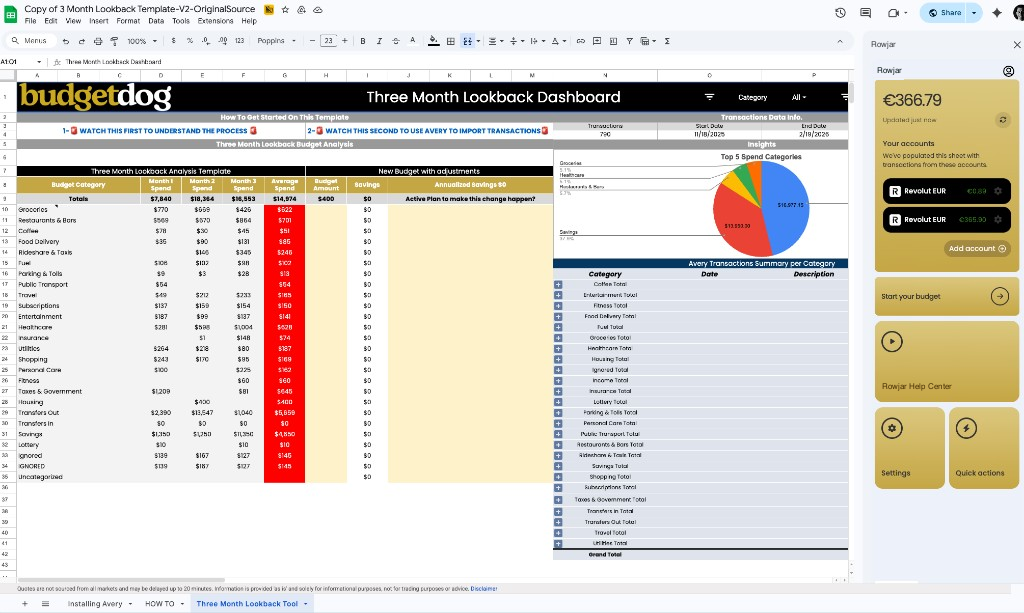
Rowjar running inside Google Sheets with a live financial dashboard

Connects to major US, UK & European banks

  • HSBCHSBC
  • BarclaysBarclays
  • LloydsLloyds
  • NatWestNatWest
  • SantanderSantander
  • RevolutRevolut
  • AIBAIB
  • NationwideNationwide
Comparison

Everything YNAB does, and a lot more.

The same spreadsheet workflow — with smarter automation and wider bank coverage. See how Rowjar compares, feature by feature.

Rowjar
YNAB
Automatic AI categorization
Manual / rules
Minimal manual upkeep (daily auto-sync)
Your data lives in a Google Sheet you own
Customizable spreadsheet formulas & dashboards
Free to start
Check current trial terms
34-day trial
UK & European bank connections
Select banks
Explore Rowjar plans

Google Sheets is a separate product. Check current plan and data-storage terms.

Rowjar vs YNAB

How Rowjar compares to YNAB

Zero-based budgeting vs automated tracking

YNAB is built around zero-based budgeting — giving every dollar a job before you spend it. It’s an effective method, but deliberately manual: you approve and assign each transaction by hand. Rowjar takes a different approach — it automatically syncs and AI-categorizes transactions so your budget stays current with little upkeep.

  • YNAB: assign every dollar manually, by design
  • Rowjar: automatic sync + AI categorization, low upkeep
  • Both keep you in control of your categories
  • Tracking stays current without daily data entry
Manual budgeting vs an automated spreadsheet

YNAB locks you into its prescribed envelope method inside a closed app. Rowjar delivers categorized transactions into a Google Sheet you own, so you can recreate zero-based allocations with formulas — or run any other budgeting system entirely.

  • Build zero-based envelopes in your sheet if you like the method
  • Or use any system — Rowjar doesn’t force one
  • Your data lives in a Google Sheet you own
  • Customize with formulas, charts & dashboards

Who should still use YNAB

If the hands-on ritual of approving every transaction is what keeps you accountable, YNAB’s method is genuinely effective and worth the price. Some people need that friction to change spending behavior.

  • You want a strict, prescribed budgeting methodology
  • The manual review habit keeps you disciplined
  • You don’t mind $14.99/mo or $109/yr for the system

Who Rowjar is better for

If the manual upkeep is what made you fall off YNAB, Rowjar is the better fit. You get automation and a spreadsheet you own, with the freedom to budget however you like.

  • You want bank sync and categorization done for you
  • You’d rather own your data in a Google Sheet
  • You want US, UK or European bank coverage
  • You want a spreadsheet-based workflow
Features

3 reasons Rowjar is better thanYNAB

• AI Categorization

Smart Sorting. While You Sleep.

Rowjar's AI automatically organizes and categorizes your transaction data based on your rules, keeping your budget updated without you lifting a finger.

  • Automated transaction tagging
  • Hands-free spending insights
Rowjar AI categorization view in Google Sheets

• Auto Update

Zero Manual Work.

Import every transaction across all your accounts with just two clicks, giving you an instant, accurate view of your finances going back two years.

  • Two-year historical retrieval
  • Multi-account transaction mapping
Rowjar dashboard view with financial charts

• Custom Rules

Set Your Rules. We'll Do The Rest.

Rowjar automatically categorizes your data and syncs your accounts daily while you sleep, so you stay updated without lifting a finger.

  • Custom categorization rules
  • Daily automated syncing
Rowjar custom rules and transactions screen
FAQ

Frequently Asked Questions

Can I still do zero-based budgeting in Rowjar?
Yes. Because Rowjar delivers your transactions into a Google Sheet you fully control, you can build zero-based category allocations, envelopes, or any framework you like with formulas — you’re not locked into one prescribed method.
Is Rowjar less work than YNAB?
For ongoing upkeep, generally yes. Rowjar auto-syncs your banks daily and categorizes with AI, while YNAB is deliberately hands-on — you manually review and approve transactions and re-assign every dollar.
Does YNAB connect to my own spreadsheet?
No. YNAB stores data in its own closed cloud app. You can export static CSV snapshots, but there’s no native, continuously updated Google Sheet you own. Rowjar’s entire model is syncing live into a sheet you own.
How does pricing compare?
YNAB is $14.99/month or $109/year after a 34-day trial. See current Rowjar for Google Sheets pricing and trial terms before signing up.