Budgetdog logo+

Automate your budget in minutes, not hours

Saves the average user ~2 hours/mo without giving up control of your data. That's 24 hours per year back in your life

Get 30 days free

We never store your info. Bank-level security — the same standards trusted by major financial institutions.

Budgetdog customer avatarBudgetdog customer avatarBudgetdog customer avatarBudgetdog customer avatarBudgetdog customer avatar
5 star rating

Loved by 1,130+ users

• How Rowjar Works

Securely connect your banks in 3 simple steps and your budget updates automatically

  1. Install Google Sheets Extension

    Step 1

    Install Google Sheets Extension

  2. Sync your Bank Accounts

    Step 2

    Sync your Bank Accounts

  3. Set Up Your Budget

    Step 3

    Set Up Your Budget

Your data never touches our servers

Bank-level encryption. Zero data retention. Complete peace of mind.

Zero credential storage

Nothing stored, ever

Bank-level security (AES-256)

Bank-grade encryption

Read-only access

View, never modify

What You Get

Everything included with Budgetdog

• 3-Month Look-Back

See where your money went.

Instantly review 3 months of spending, broken down by category — so you start with real data, not guesswork.
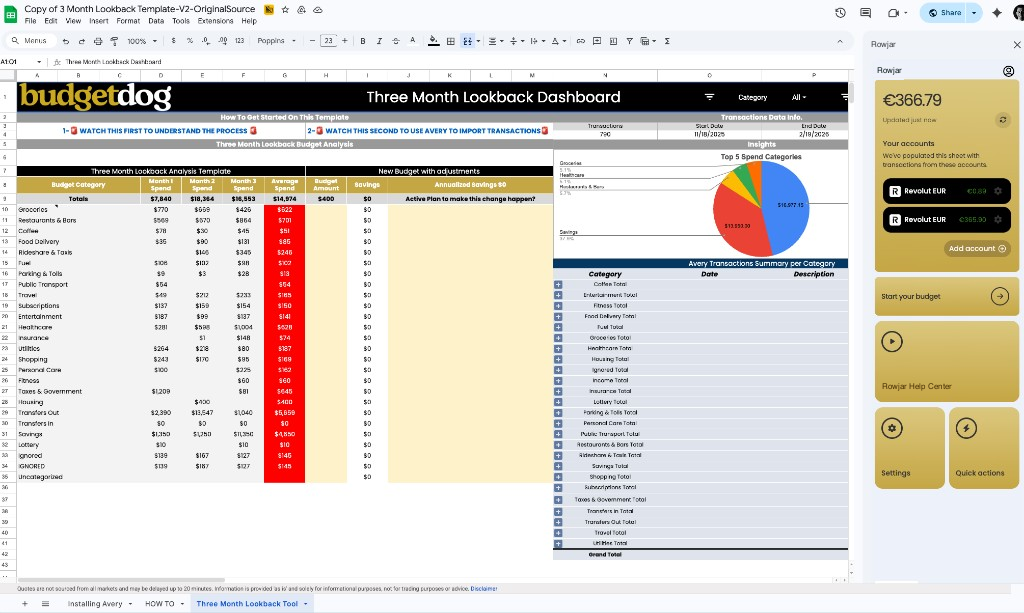
  • Automatic transaction import
  • Categorized spending breakdown
  • Recurring charge detection
See where your money went.

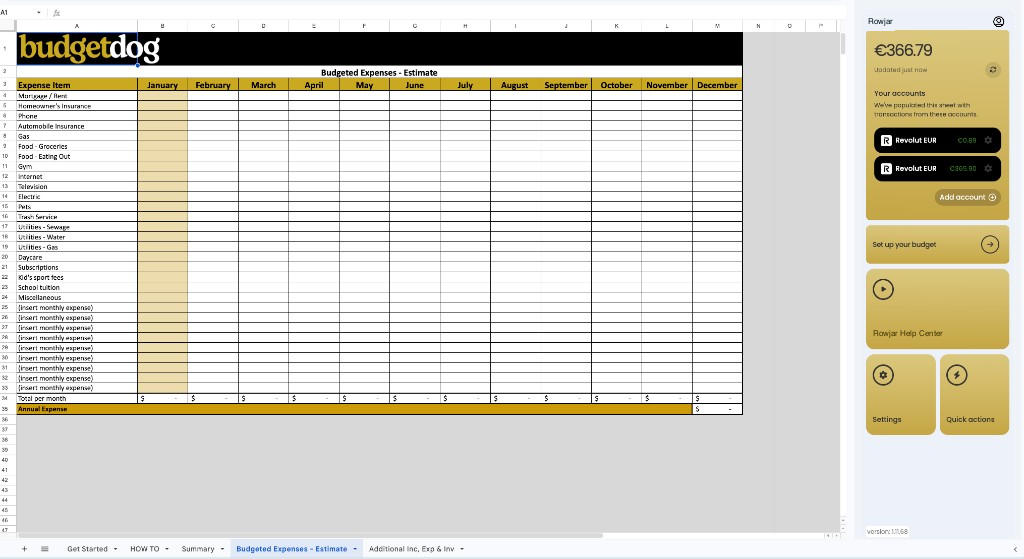
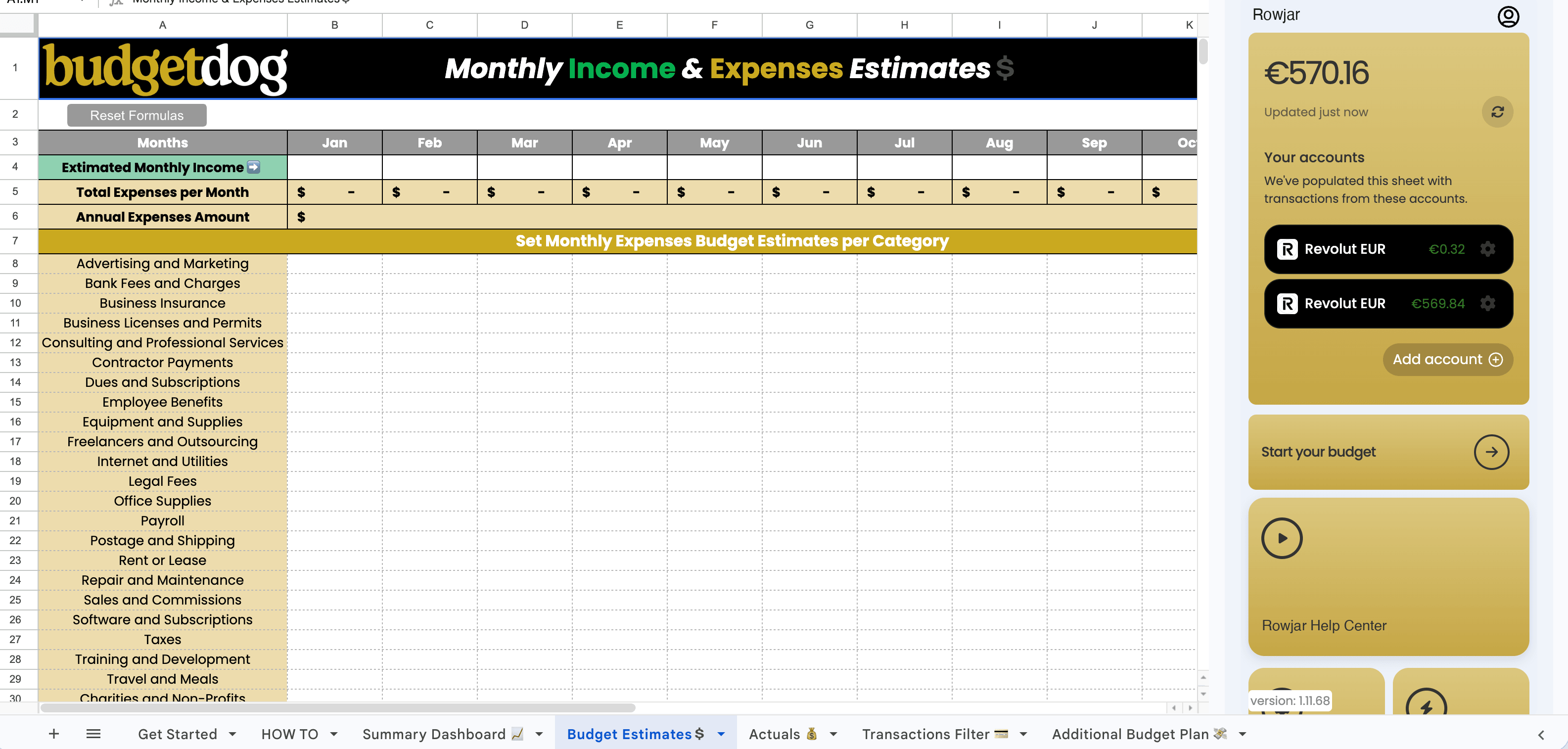
• Budget Template

Your budget, fully built.

Track income, expenses, and savings month by month. Rowjar syncs transactions directly into your template.
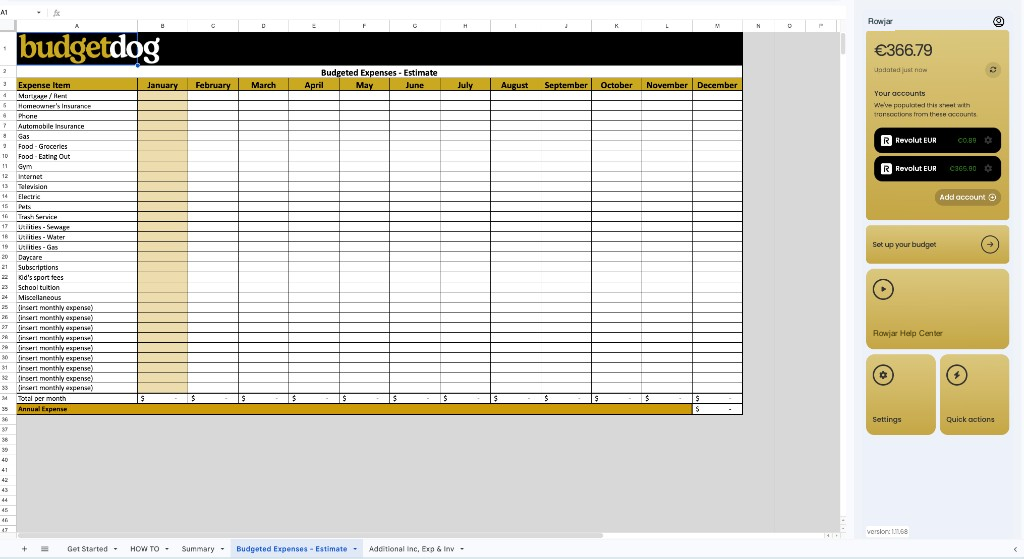
  • Income and expense tracking
  • Estimates vs. actuals comparison
  • Dashboard with charts and trends
Your budget, fully built.

• Powered by Rowjar

Bank sync, AI sorting, custom rules.

Transactions import automatically, get categorized by AI, and follow your rules — your budget updates itself.
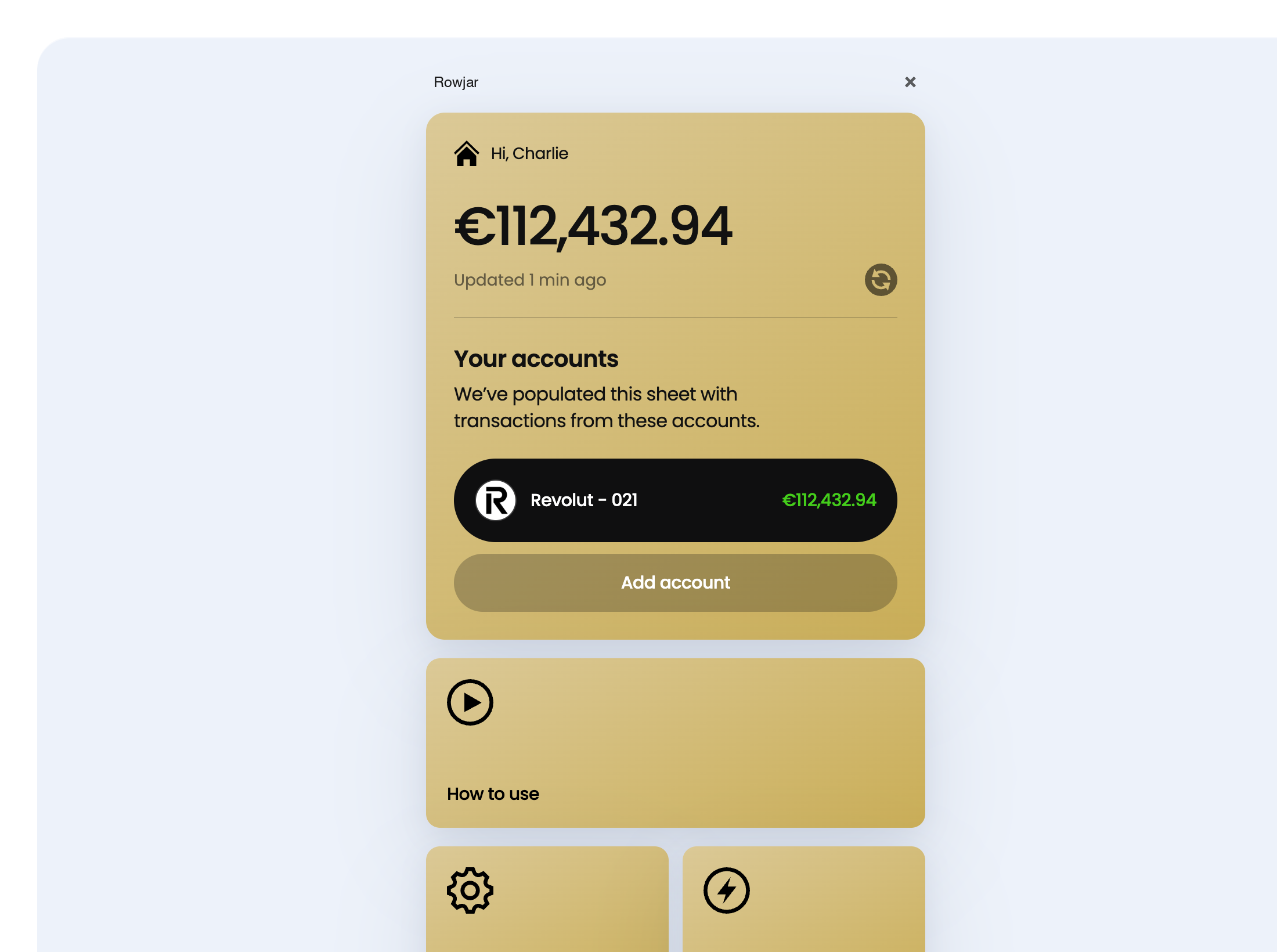
  • Bank syncing across all accounts
  • AI-powered categorization
  • Custom rules for merchants
Bank sync, AI sorting, custom rules.
Pricing Plans

Exclusive Discount for Budgetdog Members

Monthly Plan

$17.99$19.99/mo

  • Unlimited access to all features
  • Priority customer support
  • Connect to banks across Europe
  • Unlimited bank connections
  • Advanced financial analytics
  • Fully customize Budgetdog template
Most Popular

Annual Plan

$195$215.88/yr
Save 10%

  • Unlimited access to all features
  • Priority customer support
  • Connect to banks across Europe
  • Unlimited bank connections
  • Advanced financial analytics
  • Fully customize Budgetdog template
FAQ

Frequently Asked Questions

Is my financial data secure with Rowjar?
Yes, absolutely. Rowjar uses encrypted, bank-level connections to securely link your bank accounts. We never store your banking credentials. All data is encrypted in transit and at rest using bank-level AES-256 encryption. Your financial data is only used to populate your spreadsheet — we never sell or share it with third parties.
How does Rowjar connect to my bank accounts?
Rowjar uses trusted, bank-level providers to establish secure connections with your bank. Simply log in through our extension, select your bank, and authorize the connection. The entire process takes less than 2 minutes.
How do I get started with Rowjar?
Getting started is simple: install the Rowjar browser extension, connect your bank accounts through our secure portal, and select your Budgetdog template. Your transactions will start syncing automatically within minutes.
What banks does Rowjar support?
Rowjar supports most major banks and credit cards in North America. You can find the complete list of supported institutions in the app. Note that bank connections can occasionally break and may require reconnection.
Can you use Excel desktop to access your budget?
No. Using the desktop version of Excel to open Google Sheets files will cause desynchronization. Always access your Budgetdog template through Google Sheets in your web browser.
How do I cancel my Rowjar subscription?
You can manage your subscription and cancellation through Rowjar's account settings or by contacting [email protected].